
10 skills का map — पहले ये table देख लो
| # | Skill | क्या करता है | इससे क्या बनता है |
|---|---|---|---|
| 1 | Faceless Video | Research, script, voice, पूरा video | बिना चेहरा दिखाए पूरी video |
| 2 | Voice Assistant | “बोलो मेरी screen देखो” — बोल कर काम | Voice command से काम |
| 3 | Docs to Reel | Docs/screenshots से reel ready | Docs से reel script और visuals |
| 4 | Carousels | हर slide designed | Instagram carousel, slide by slide |
| 5 | SEO Pages | Google के लिए page लिख कर publish | Search के लिए ready page |
| 6 | Trend Radar | क्या trend कर रहा है, पहले बता दे | Trend पर time से content |
| 7 | Video Editor | Recording edit, motion graphics | Edited video, ready to post |
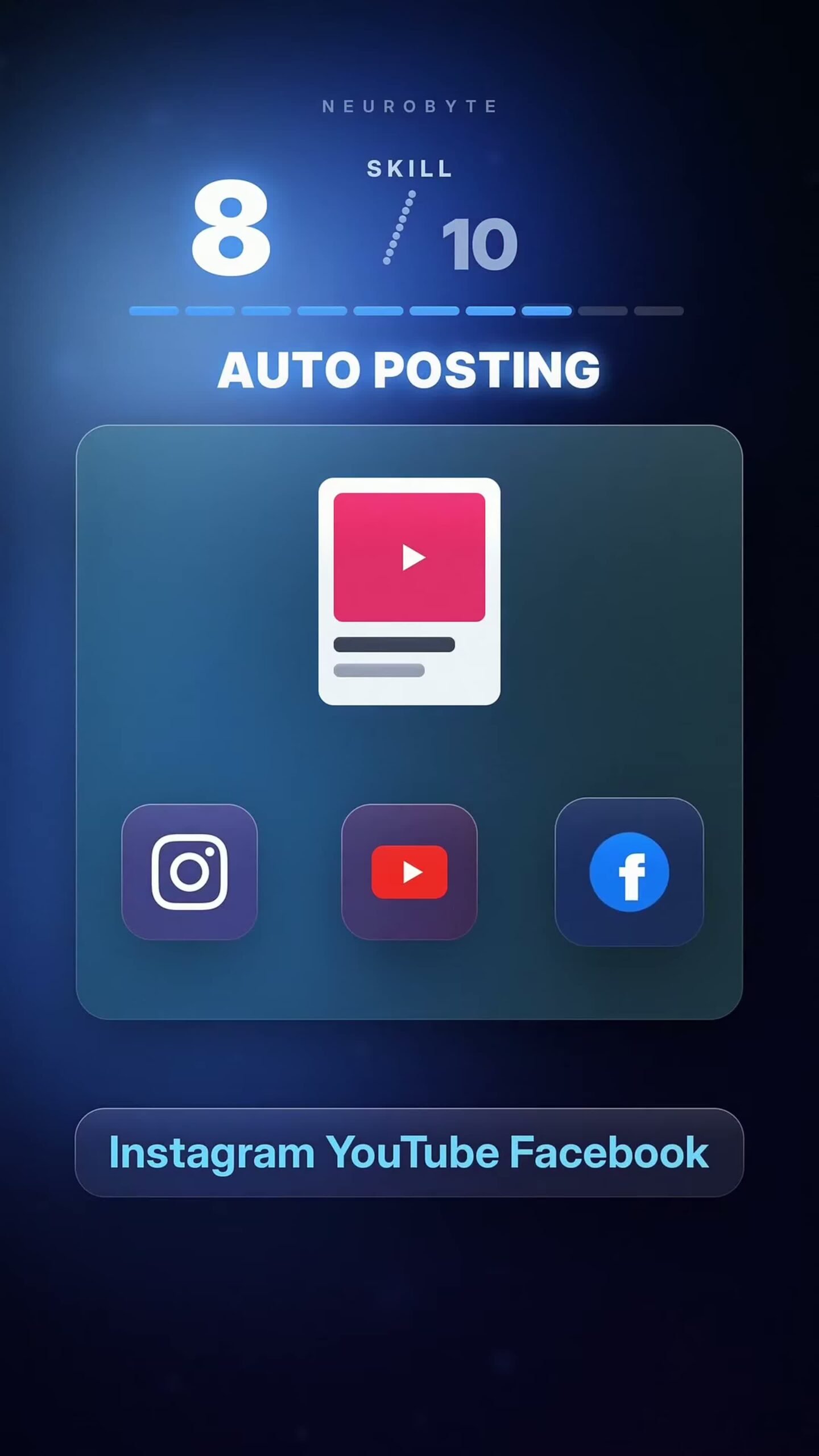
| 8 | Auto Posting | Instagram, YouTube, Facebook — सही time पर post | Schedule पर automatic posting |
| 9 | Lead Machine | Comment करने वाले को तुरंत DM में link | Comment से DM तक automatic lead |
| 10 | Idea Engine | रोज़ नए ideas — hook और trend से | कभी idea खत्म नहीं होता |
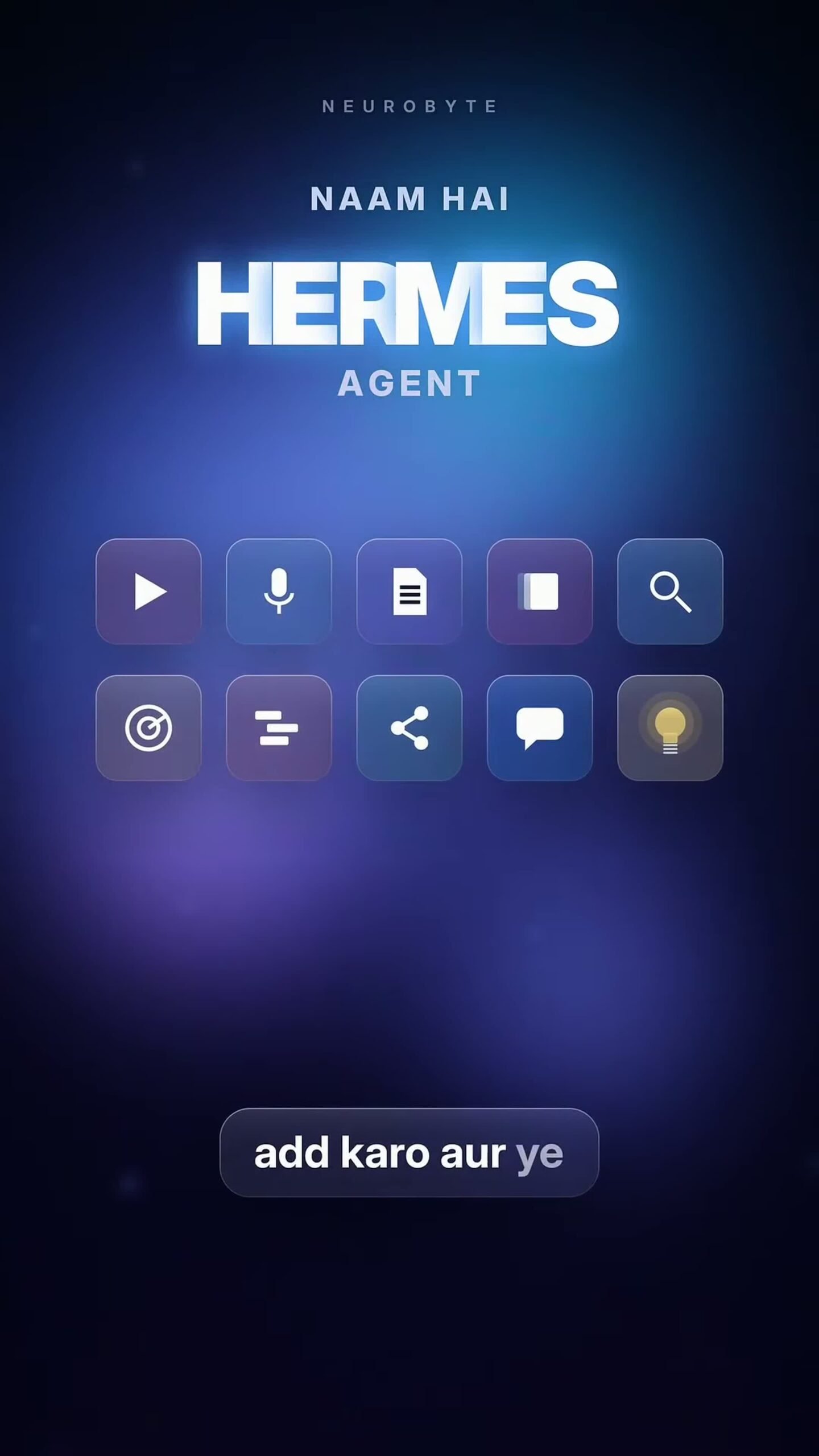
एक agent, 10 skills — और पूरी content team का काम एक जगह। इस article में वही समझाया है जो reel में दिखाया गया है: skill क्या होती है, ये 10 skills क्या-क्या करती हैं, setup कैसे होता है, और free में शुरुआत कैसे करें।
Reel में क्या दिखाया गया — 2 minute में
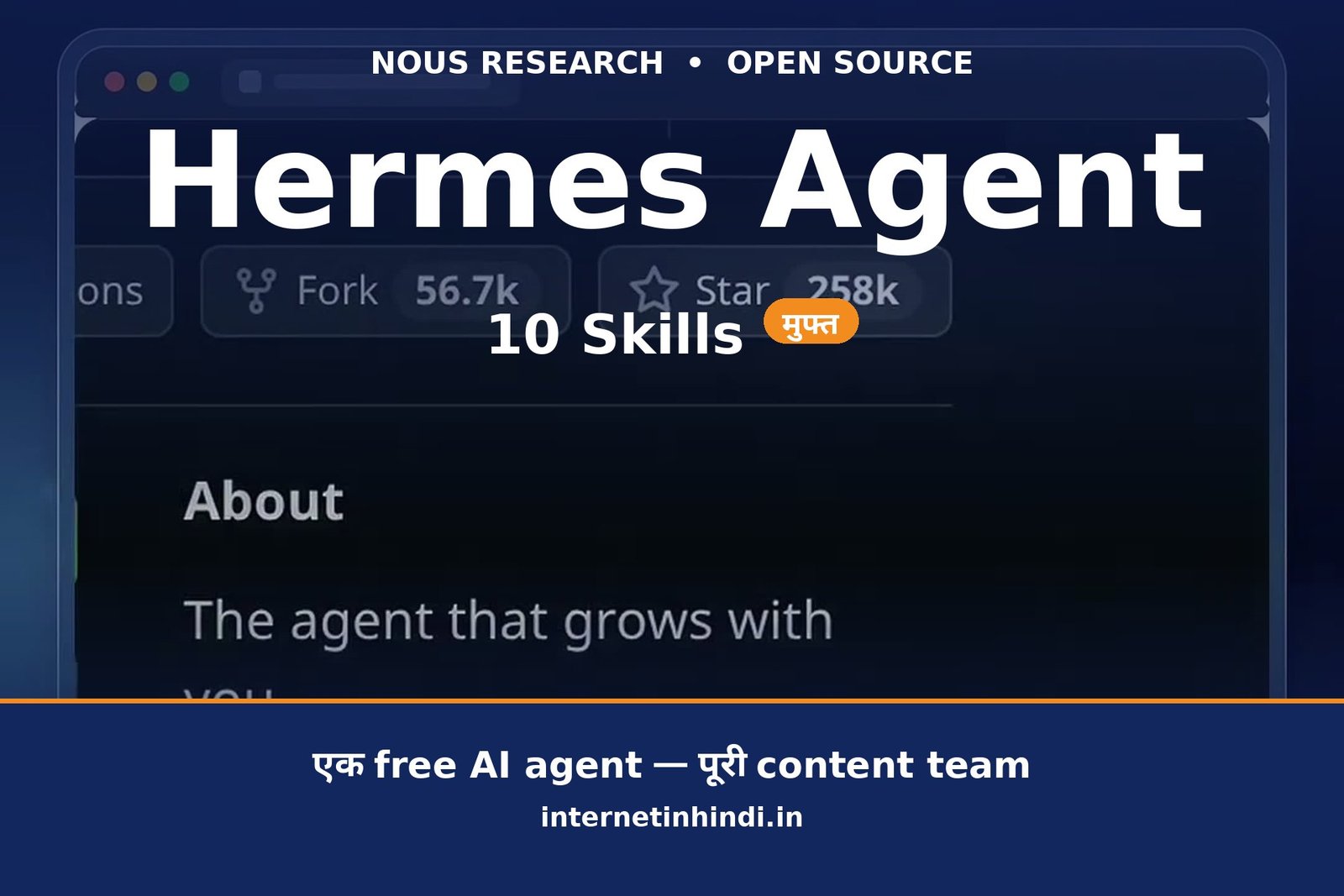
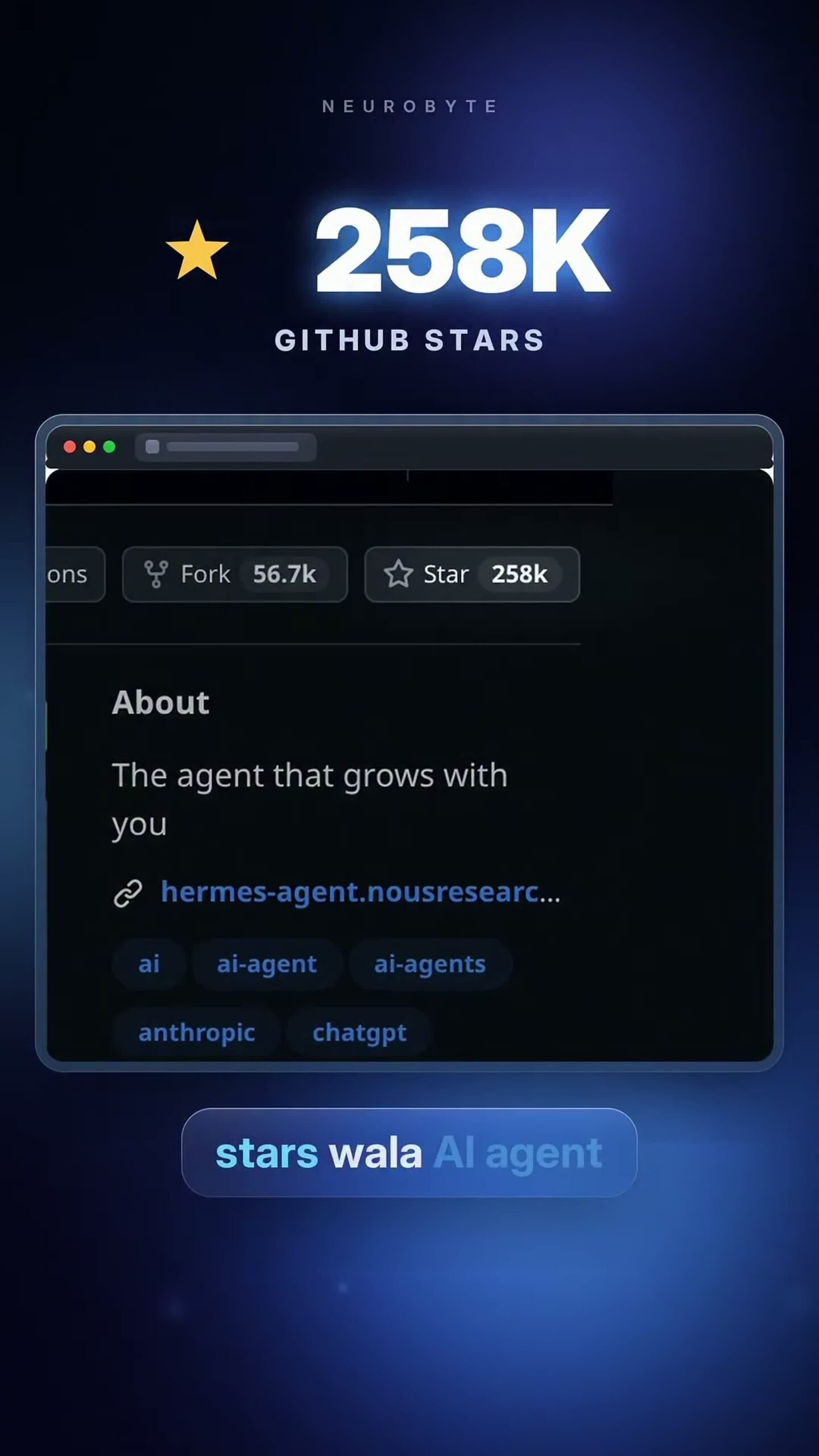
NeuroByte (@neurobyte96) की reel (30 October 2026) में Hermes Agent को “अकेला पूरी team” बताया गया है — 10 skills, जो video, reels, carousels, SEO और auto-posting संभालती हैं। Reel के start में GitHub page दिखाया गया: 258K stars, 56.7K forks — और last में कहा गया कि पूरा setup चाहिए तो comment में SKILLS लिखो, creator DM कर देगा।
Skill होती क्या है — एक file, एक command
Hermes Agent में skill एक SKILL.md file होती है — ऊपर YAML frontmatter (नाम, description, version) और नीचे markdown में instructions। ये agentskills.io open standard है — मतलब Claude Code, Cursor या Codex के लिए लिखी गई skill Hermes में बिना बदले चलती है।
Agent skills को एक साथ load नहीं करता — progressive disclosure use करता है:
skills_list()— सारी skills की छोटी list (~3,000 tokens), session start में load होती है।skill_view(name)— जब ज़रूरत हो, एक skill की पूरी SKILL.md load होती है।skill_view(name, file_path)— skill के अंदर की किसी एक reference file को तभी पढ़ता है जब ज़रूरत हो।
Skills ~/.hermes/skills/ folder में रहती हैं। Chat में /skills लिख कर देखो क्या-क्या installed है, या terminal में hermes skills list चलाओ। कोई भी installed skill अपने आप एक slash command बन जाती है — बस उसका नाम type करो, या normal बात-चीत में बोलो “इस skill का use करो”।
10 skills, एक-एक करके — पूरी team का काम
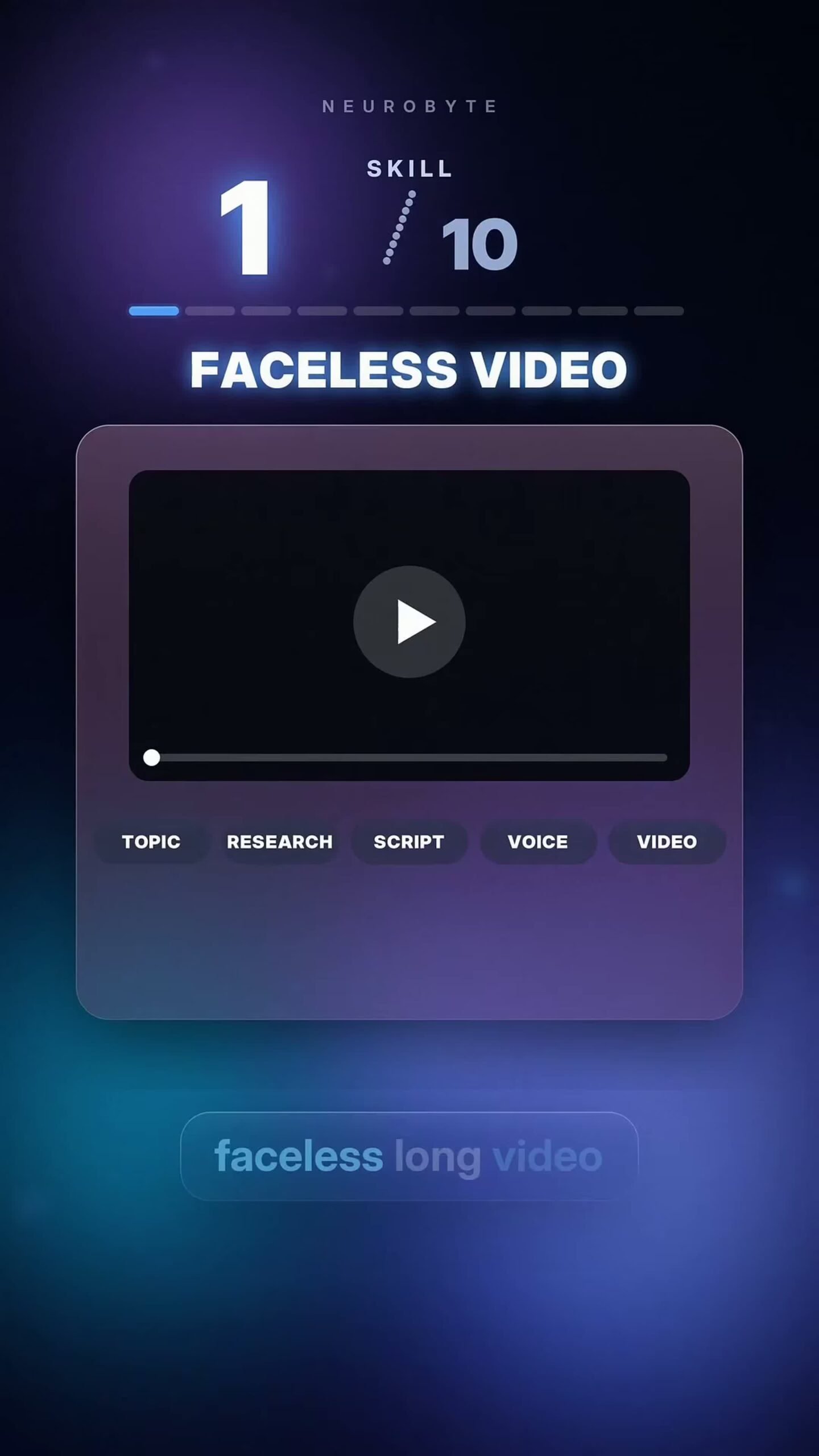
- Faceless Video। Topic दो, agent research करता है, script लिखता है, voice generate करता है, video assemble करता है। बिना camera, बिना चेहरा दिखाए पूरी video तैयार — topic से लेकर final video तक एक ही flow में।
- Voice Assistant। “बोलो मेरी screen देखो” — बोल कर command दो, agent screen देख कर काम करे। Mic से बोलो, agent समझ कर काम करता है।
- Docs to Reel। अपने docs या screenshots दो, agent उनसे reel का script और visuals बना दे। जो docs दोगे, उसी से reel तैयार होगी।
- Carousels। हर slide designed — agent text लिखता है और slide layout बनाता है। Instagram carousel के सारे slides एक साथ तैयार।
- SEO Pages। Google के लिए page लिख कर publish कर दे। Topic दो, agent search-friendly page लिखता है और तुम्हारी website पर publish करता है।
- Trend Radar। क्या trend कर रहा है, पहले बता दे। Agent trending topics ढूँढता है और बताता है किस पर content बनाओ — trend निकलने से पहले।
- Video Editor। Recording edit, motion graphics — agent edit के decisions लेता है (क्या काटना है, कहाँ text लगाना है)। Recording दो, edited video लो।
- Auto Posting। Instagram, YouTube, Facebook — सब पर सही time पर post। एक बार schedule set करो, फिर skill अपने आप post करती है।
- Lead Machine। कोई comment में “SKILLS” लिखे तो तुरंत DM में link चला जाए। Comment आते ही skill DM भेज देती है — lead हाथ से नहीं, automatic पकड़ा जाता है।
- Idea Engine। पहले के content का data और trend देख कर रोज़ नए ideas — hook के साथ। हर दिन fresh ideas, कभी content का idea खत्म नहीं होता।
Setup — 3 steps में Hermes ready
पहले Hermes install करो, फिर free model लगाओ, फिर skill install करो:
- Hermes install करो। Linux, macOS या WSL2 पर:
curl -fsSL https://hermes-agent.nousresearch.com/install.sh | bash— और फिरhermes setup। Windows पर PowerShell installer है, या Desktop app Microsoft Store से मिलती है। Docker से भी चलता है (nousresearch/hermes-agentimage)। - Free model की API key लगाओ। Hermes का code free है (MIT license), पर उसके पीछे चलने वाले model के लिए key चाहिए। Free में चलाने का तरीका हमारी Hermes Agent free guide में detail में है — NVIDIA NIM की free API key (40 requests/minute, prototyping के लिए) से शुरू कर सकते हो।
- Skill install करो।
hermes skills listसे देखो क्या है, फिरhermes skills install <source>से चाहिए वाली skill लगाओ। नए session में skill active हो जाती है — पुराने session में चाहिए तो/resetकरो।
बस — अब agent तुम्हारे लिए काम करने को ready है।
Skills कहाँ से मिलेंगी — Hub और creator का pack
Hermes के पास Skills Hub है — 672 skills (89 built-in, 62 official optional, 521 community, plus Anthropic और LobeHub registries)। Hub से install करने का command है:
hermes skills install <source>
जैसे official skill के लिए hermes skills install official/research/arxiv, GitHub repo से hermes skills install org/repo/skill-name, या direct URL से hermes skills install https://example.com/SKILL.md। बाहर से आने वाली हर skill install से पहले Skills Guard scanner से गुज़रती है — मतलब कोई skill तुम्हारे system को क्या कर सकती है, वो check होता है।
और reel वाली 10 skills के लिए creator का pack है — comment में SKILLS लिखो, creator DM में अपनी बनाई हुई skill files भेज देता है। तो दो रास्ते हैं: Hub में मिलती-जुलती skills ढूँढो (hermes skills search <topic>), या creator का pack लो — या अपनी skill खुद बनाओ, जो 5 minute का काम है, आगे बताया है।
Auto-posting कैसे set करें — schedule पर post
Auto-posting skill का काम है: content ready हो, तो सही time पर तीनों platforms पर post कर दे। इसके तीन हिस्से हैं:
- Content ready होना — video/carousel पहले से बना हुआ हो।
- Platform access — Instagram, YouTube और Facebook, तीनों पर post करने के लिए अलग-अलग API access या login चाहिए। Instagram पर auto-post के लिए Business/Creator account और Meta की permissions चाहिए। YouTube पर API key और OAuth चाहिए। ये सब पहली बार setup करना पड़ता है।
- Schedule — Hermes का cron scheduler सही time पर post trigger करता है। Agent खुद decide करता है कब post करना है — और posting तभी होगी जब ऊपर वाले दोनों हिस्से ready हों।
Hermes में approvals default में पूछ कर काम करते हैं — मतलब agent कुछ public करने से पहले पूछता है। Auto-posting को सच में automatic बनाना है तो approvals को carefully configure करना होता है। ये safety feature है — agent तुम्हारे नाम से public post कर रहा है, इसीलिए पहले समझ लो, फिर configure करो।
Free में शुरुआत कैसे करें
Hermes Agent का code free है — MIT license, open source, GitHub से free download। Skills Hub की skills भी free install होती हैं।
Free में चलाने के लिए free tiers हैं: NVIDIA NIM की free API key से model चलता है (40 requests/minute, prototyping के लिए), और voice के लिए ElevenLabs का free plan है — 10,000 credits/month, लगभग 10 minute voice। छोटे creator के लिए free tiers से शुरुआत हो जाती है — पहले video बनाओ, workflow समझो, फिर जैसे-जैसे काम बढ़े, paid plan सोचो।
अपनी skill खुद बनाओ — 5 minute में
Creator का pack ना मिले तो अपनी skill बनाना सबसे साफ़ तरीका है। Hermes में /learn command है — अपना reference material दो, और वो उसे skill में बदल देता है। या हाथ से बनाओ:
- Folder बनाओ:
mkdir -p ~/.hermes/skills/content/my-skill - उसमें SKILL.md लिखो — ऊपर YAML frontmatter (name, description, version), नीचे markdown में steps।
- Chat में
/skillsसे check करो — skill तुरंत list में दिखेगी। कोई registration, build या restart नहीं चाहिए।
Skill लिखने का मतलब है agent को बताना: “जब मैं ये काम कहूँ, तो इन steps में करो, इस format में output दो, और इन गलतियों से बचो।” जितनी साफ़ instructions, उतना अच्छा output। यही तरीका Claude Code की skills का भी है — detail में हमारी Claude YouTube Agent Skill guide में पढ़ सकते हो।
अक्सर पूछे जाने वाले सवाल
Hermes Agent free है?
हाँ — code free है (MIT license, open source)। Free tiers से शुरू कर सकते हो, जैसे NVIDIA NIM free tier।
Reel वाली 10 skills कहाँ से मिलेंगी?
Creator का pack है — comment में SKILLS लिखने पर वो DM करता है। या Hub में मिलती-जुलती skills ढूँढो (hermes skills search), या /learn से अपनी बनाओ।
क्या Hermes से पूरी content team बन जाएगी?
हाँ — 10 skills मिल कर video, reels, carousels, SEO और auto-posting संभालती हैं। Setup में थोड़ा time लगता है — install, free model key, skill install — और फिर agent तुम्हारी content team की तरह काम करता है।
Auto-posting सच में automatic है?
Setup के बाद हाँ — schedule set करो, skill सही time पर post करती है। पहले हर platform का API/login configure करना पड़ता है।
Hermes Agent Windows पर चलेगा?
हाँ — PowerShell installer और Desktop app (Microsoft Store) दोनों हैं। macOS और Linux पर भी चलता है, Docker से भी।
अंत में:
उम्मीद है आपको जानकारी पसंद आई होगी। Short में याद रखने वाली बातें: Hermes Agent free और open source है, उसकी skill system (SKILL.md) सच में powerful है, और Hub में 672 skills हैं — reel वाली 10 skills से faceless video, voice assistant, docs to reel, carousels, SEO pages, trend radar, video editing, auto-posting, lead machine और idea engine — सब एक जगह मिलता है। Setup में थोड़ा time लगता है — install, free model key, skill install — और फिर तुम्हारी content team ready है।
अगर ये guide काम आई हो तो share ज़रूर करें, और comment में बताएं — आप Hermes को सबसे पहले किस काम के लिए use करना चाहते हैं?