History Docs — YouTube का वो niche जो 371M+ views ले चुका है
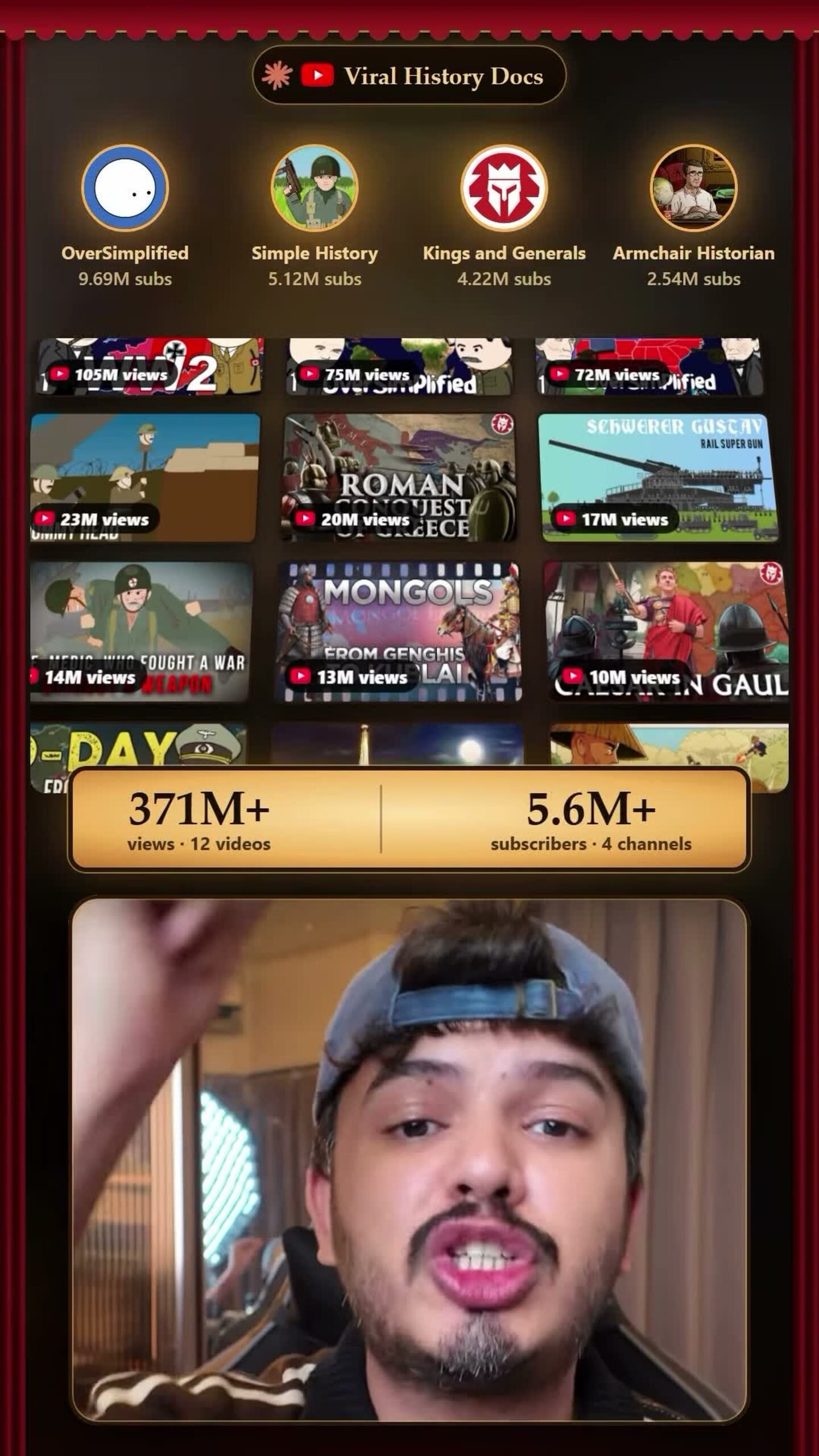
History documentary YouTube के सबसे बड़े niches में से एक है। Reel में दिखाए गए चार channels को ही देख लीजिए — OverSimplified (9.69M subscribers), Simple History (5.12M), Kings and Generals (4.22M) और Armchair Historian (2.54M)। इन चार channels की सिर्फ 12 videos पर 371M+ views हैं। मतलब एक ही format — animated history — बार-बार चल रहा है।
| Channel | Subscribers | Format |
|---|---|---|
| OverSimplified | 9.69M | Animated history, humour के साथ |
| Simple History | 5.12M | Simple animated explainer |
| Kings and Generals | 4.22M | Maps और battles पर focus |
| Armchair Historian | 2.54M | Story-driven history docs |
इन videos के views भी कमाल के हैं — 105M, 75M, 72M, 23M, 20M, 17M, 14M, 13M, 10M views वाली videos इसी niche की हैं। और सबसे बड़ी बात — इस format में आपको camera के सामने आने की ज़रूरत नहीं, ना ही कोई studio चाहिए। Script, voice और images — तीनों AI से बन सकते हैं। बस workflow सही होना चाहिए, जो इस guide में step by step है।
20 मिनट की documentary — सिर्फ 3 tools का workflow
Reel में दिखाया गया workflow सिर्फ 3 tools पर चलता है। हर tool का एक काम है, और तीनों मिलकर पूरी documentary बनाते हैं:
| Step | Tool | काम |
|---|---|---|
| 1 | Claude Code | Script लिखना और पूरा workflow automate करना |
| 2 | Kokoro | Free voice model — narration की आवाज़ बनाना |
| 3 | ChatGPT / Gemini | Free images — documentary के scenes बनाना |
Claude Code पूरी documentary का दिमाग है — ये script लिखता है, scenes plan करता है और काम को आगे बढ़ाता है। Kokoro एक free voice model है जो आपके laptop पर ही चलता है — इससे narration की आवाज़ बनती है। और ChatGPT या Gemini के free image generation से documentary के सारे scenes और maps बनाए जाते हैं। इसके बाद सिर्फ editing और YouTube upload बचता है।
वीडियो में क्या दिखाया गया है
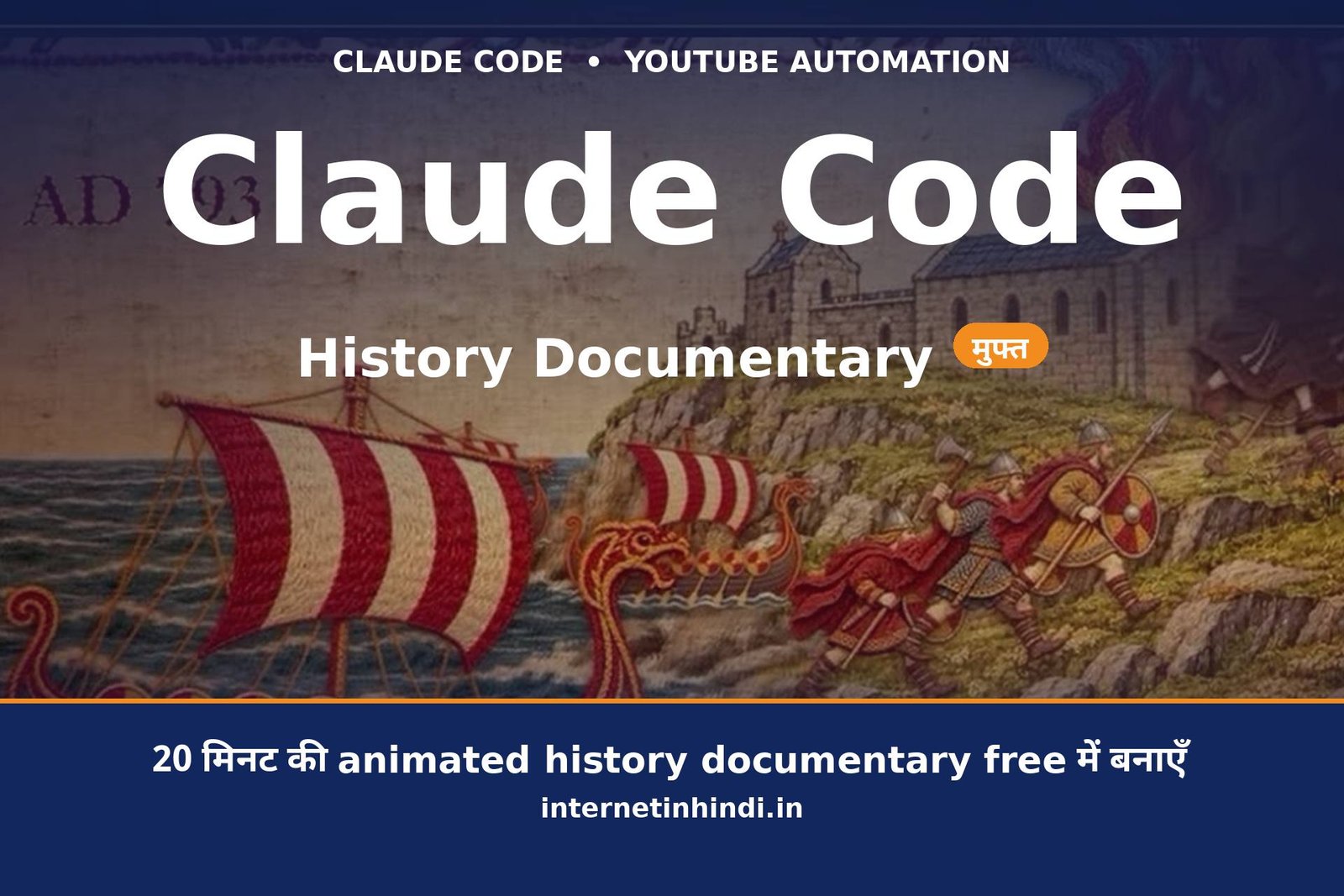
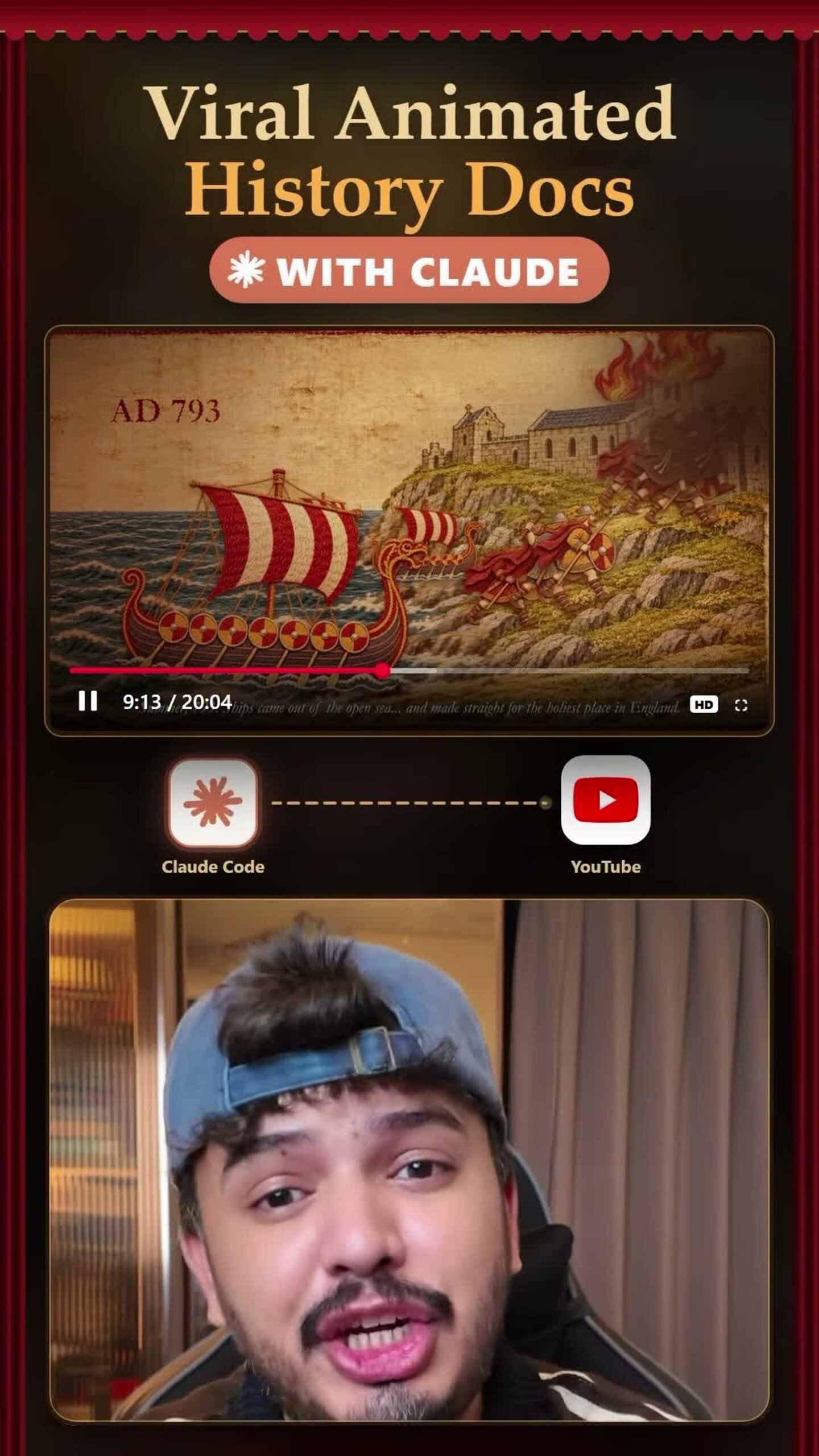
Instagram पर @scalewithluv (Luv Kapruwan) की इस reel में यही workflow दिखाया गया है — “Create Free!! 20-minute animated history documentary, made with Claude.” Video में एक पूरी documentary दिखाई गई है — AD 793 में Vikings का Lindisfarne पर हमला, 20:04 minute की video, animated scenes और map के साथ। Video के end में creator कहते हैं कि comment करो, और वो full guide with prompts भेज देंगे।
Step 1 — Topic चुनना और Claude Code से script लिखवाना
Documentary की जान उसकी कहानी होती है। Topic ऐसा चुनिए जो लोग पहले से search करते हों — जैसे “Vikings का Lindisfarne पर हमला (AD 793)”, “Mongol साम्राज्य का उदय” या “Roman साम्राज्य का पतन”। Reel वाली documentary का topic भी ऐसा ही था — AD 793, जब Viking जहाज़ समुंदर से आए और England के सबसे पवित्र स्थान Lindisfarne पर हमला किया।
Claude Code में script लिखवाने का तरीका:
- Claude Code खोलें और अपना project folder बनाएँ — जैसे history-doc-vikings
- Claude Code को topic और format बताएँ — “20-minute की animated history documentary की script लिखो, AD 793 Vikings attack on Lindisfarne पर, engaging storytelling style में”
- Script को scenes में तोड़ने को कहें — हर scene के लिए narration text, image prompt और duration अलग-अलग मिलेगा
- Script को एक बार पढ़कर facts check कर लें — dates और नाम सही होने चाहिए, क्योंकि history audience गलती पकड़ लेती है
- Script से narration text अलग file में save करें — यही text आगे Kokoro में जाएगा
Script के लिए एक ready prompt:
“Write a 20-minute YouTube history documentary script about the Viking raid on Lindisfarne in AD 793. Engaging storytelling style, like OverSimplified. Break it into 12 scenes. For each scene give: narration text (about 150 words), image prompt for the visual, and duration in seconds.”
Claude Code free tier से भी शुरुआत हो सकती है। Claude Code के free plan और setup के बारे में हमारी Claude Code free guide में पूरी जानकारी है। और अगर आप YouTube के लिए Claude के skills इस्तेमाल करना चाहते हैं, तो Claude YouTube Agent Skill guide भी देखें।
Step 2 — Kokoro से free narration voice बनाना
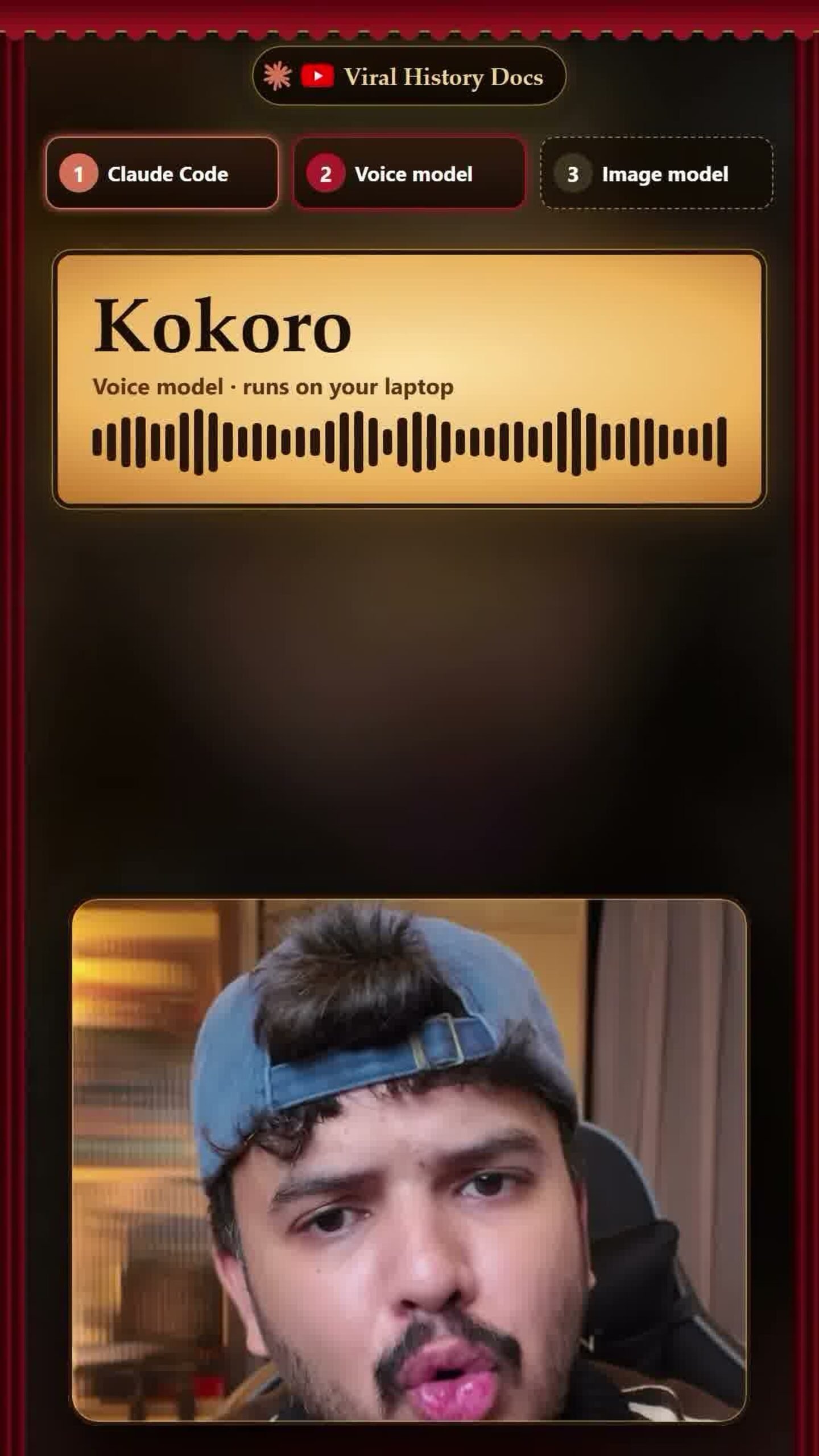
Script तैयार हो जाए, तो उसकी आवाज़ चाहिए। इसके लिए reel में Kokoro use किया गया है — एक free voice model जो आपके laptop पर ही चलता है।
Kokoro क्या है:
- Open-weight TTS model — 82 million parameters, Apache 2.0 licence के साथ free
- अपने laptop पर चलता है — कोई monthly subscription नहीं, कोई per-minute charge नहीं
- 54 voices, 8 languages — American और British English के अलग-अलग voices
- GitHub और Hugging Face पर available — github.com/hexgrad/kokoro और huggingface.co/hexgrad/Kokoro-82M
- Online demo भी है — hf.co/spaces/hexgrad/Kokoro-TTS पर बिना install किए try कर सकते हैं
Kokoro से narration बनाने का तरीका:
- पहले Hugging Face वाले demo पर अपनी script का एक paragraph डालकर voice सुन लें — जो voice documentary style लगे, उसे चुन लें
- अपने laptop पर Kokoro install करें — Python से pip install kokoro और model download करें
- Script को छोटे-छोटे हिस्सों में बाँटें — हर scene की narration अलग audio file बनाएँ
- Audio को MP3 या WAV में save करें — editing के time हर scene की आवाज़ अलग track पर आएगी
एक बात का ध्यान रखें — Kokoro के नाम पर कुछ fake websites भी हैं। सिर्फ official GitHub (hexgrad/kokoro) या Hugging Face (hexgrad/Kokoro-82M) से ही download करें, किसी और site से नहीं।
Step 3 — ChatGPT या Gemini से free images बनाना
Documentary के scenes के लिए images चाहिए — Viking जहाज़, Lindisfarne का map, monastery, लड़ाई के scenes। Reel में इसके लिए free ChatGPT या Gemini images use किए गए हैं।
दोनों options कैसे काम करते हैं:
| Tool | Free में क्या मिलता है | ध्यान देने वाली बात |
|---|---|---|
| ChatGPT | रोज़ 2-3 free image generations (rolling 24 hours) | हर image के लिए detail में prompt लिखें |
| Gemini | Free image generation (Nano Banana), limit app में दिखता है | एक ही character/scene के लिए reference image use करें |
20-minute की documentary में लगभग 15-20 scenes होते हैं, और हर scene के लिए 1-2 images चाहिए। मतलब 20-40 images। Free limit में ये एक दिन में नहीं बनेंगे — इसलिए planning ज़रूरी है:
- पहले सारे image prompts एक list में लिख लें — Claude Code से हर scene का image prompt पहले ही ले लें
- रोज़ की limit के हिसाब से काम बाँटें — ChatGPT से रोज़ 2-3 best images, Gemini से बाकी images
- एक ही style रखें — हर prompt में style लिखें, जैसे “tapestry style illustration, warm colors, historical documentary” — इससे सारी images एक जैसी लगेंगी
- Map वाले scenes अलग से बनाएँ — Lindisfarne जैसे map scenes के लिए prompt में “old map style, North Sea, Northumbria, Lindisfarne marked” लिखें
ChatGPT free plan की पूरी जानकारी और limits के लिए हमारी ChatGPT Free guide देखें।
Step 4 — Editing और YouTube upload
Script, voice और images — तीनों तैयार हो जाएँ, तो editing की बारी है:
- Free video editor चुन लें — CapCut (free) या DaVinci Resolve (free) — दोनों में timeline editing होती है
- हर scene को timeline पर लगाएँ — image + उसकी narration audio, scene के duration के हिसाब से
- Scene transitions रखें — एक scene से दूसरे में जाते वक़्त fade या slide, ताकि video smooth लगे
- Background music हल्की रखें — YouTube Audio Library से free music लें, narration से हल्की आवाज़ में
- Thumbnail और title बनाएँ — thumbnail में documentary का सबसे strong scene + बड़ा text, जैसे “AD 793 — VIKINGS ATTACK”
- YouTube पर upload करें — title, description और tags में topic के keywords लिखें, जैसे “Vikings documentary”, “Lindisfarne 793”, “history documentary”
Editing में सबसे ज़्यादा time लगता है, लेकिन यही वो step है जो video को professional बनाता है। पहली documentary में 2-3 दिन लगना normal है।
Pro Tip — Narration English में रखें
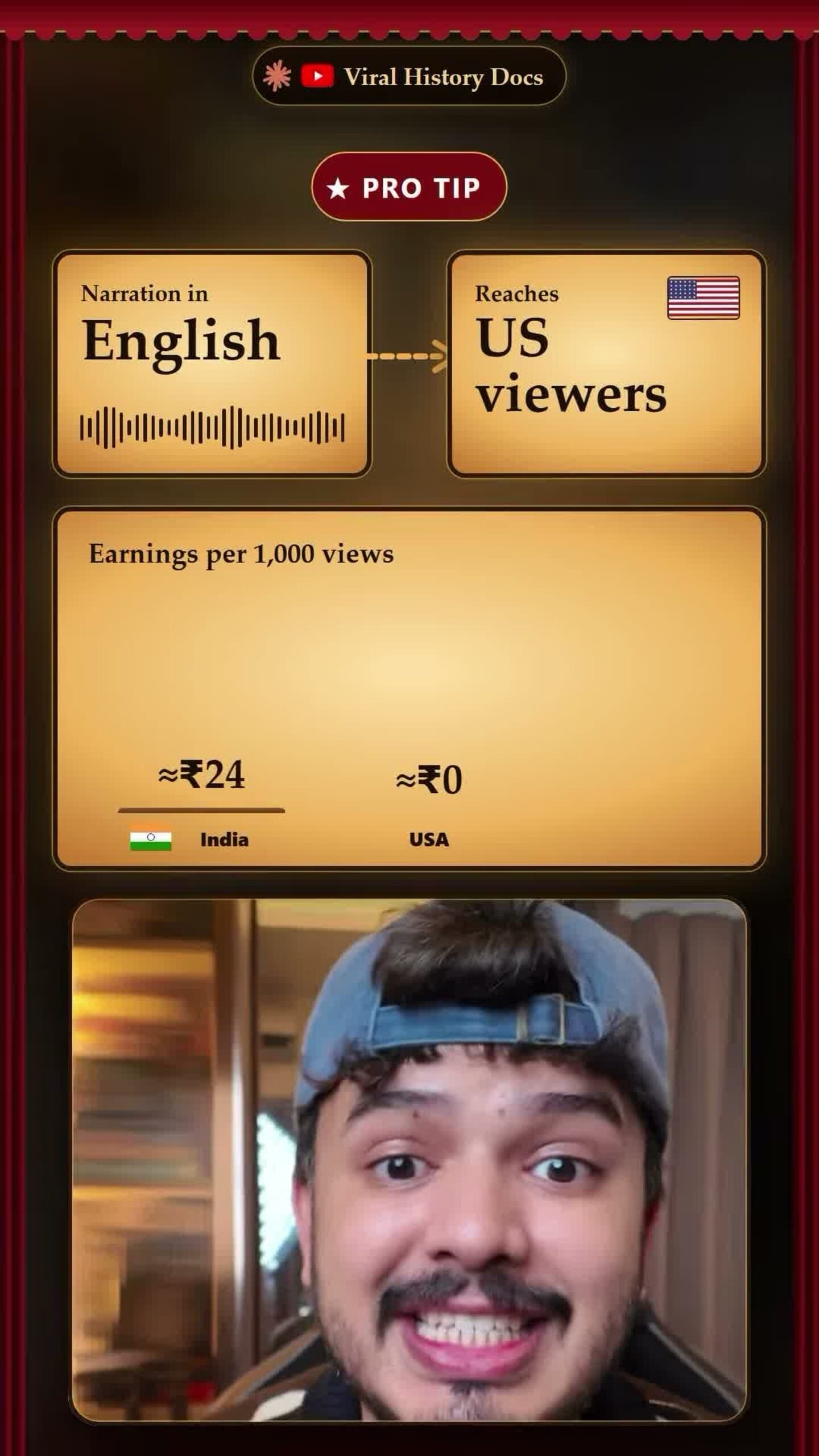
Reel का एक pro tip है — narration English में रखें। इससे video सिर्फ India तक नहीं, US viewers तक भी पहुँचता है। History documentary का audience दुनिया भर में है, और English narration से video की reach कई गुना बढ़ जाती है। इसी लिए बड़े history channels — OverSimplified, Simple History, Kings and Generals — सब English में ही बनाते हैं।
YouTube से कमाई — monetization कैसे होता है
History documentary channel से कमाई YouTube Partner Program (YPP) से होती है। इसके लिए चाहिए:
- 1,000 subscribers और 4,000 public watch hours (पिछले 12 महीने में)
- YouTube की policies का पालन — original content, कोई copyrighted material नहीं
- 20-minute की long videos इसमें मदद करती हैं — एक video से ही कई watch hours मिल जाते हैं
एक बात याद रखें — YouTube ने 15 July 2025 से “inauthentic content” पर सख्ती बढ़ा दी है। Mass-produced या template जैसी AI videos monetize नहीं होतीं। इसलिए हर documentary में अपनी research, अपनी script और अपना angle होना चाहिए — सिर्फ AI से bulk में video निकालना काम नहीं करेगा। और 1 February 2027 से YPP की limit बढ़ भी रही है — 8,000 watch hours या 20M Shorts views — इसलिए शुरुआत जितनी जल्दी हो, उतना बेहतर।
इस workflow के alternatives
| तरीका | क्या अलग है | कब चुनना है |
|---|---|---|
| Muse से cartoon video | Hindi कहानी, cartoon style | Hindi audience के लिए cartoon story चाहिए तो |
| Rocketoolz से AI video | Share किए हुए tools, Veo 3.1 Lite | Short AI video clips चाहिए तो |
| HunyuanVideo / Seedance 2.5 | Text से direct video | छोटे cinematic clips चाहिए तो |
| Claude Code history docs | लंबी documentary, पूरा control | 20-minute की story-driven video चाहिए तो |
अगर आप cartoon कहानी बनाना चाहते हैं, तो हमारा Muse से cartoon video guide देखें। Short AI video clips के लिए Rocketoolz AI video guide भी काम आएगा।
अक्सर पूछे जाने वाले सवाल
Kokoro की आवाज़ robotic तो नहीं लगती?
Kokoro 82M parameters वाला model है जो अपने size के हिसाब से काफी natural आवाज़ देता है। Demo पर पहले सुन लें — documentary narration के लिए American या British English voice चुनना बेहतर रहता है।
20-minute की documentary में कितनी images चाहिए?
लगभग 15-20 scenes, हर scene के लिए 1-2 images — मतलब 20-40 images। Free limit के हिसाब से ये काम 2-3 दिन में बाँट कर करें।
क्या इस workflow से YouTube पर copyright strike आएगी?
AI से बनाई गई अपनी script, voice और images पर आपका हक़ होता है। बस ध्यान रखें — किसी और channel की video, music या image copy करके use ना करें। Background music हमेशा YouTube Audio Library से लें।
पहली documentary का topic क्या रखूँ?
वो topic चुनिए जिसके बारे में आपको पहले से थोड़ा पता हो और जिसे लोग search करते हों — जैसे Vikings, Mongols, Roman Empire या कोई famous युद्ध। Reel वाला example भी ऐसा ही था — AD 793, Vikings का Lindisfarne पर हमला।
Claude Code free में मिलेगा या paid लेना पड़ेगा?
Claude Code का free tier भी है, जिससे शुरुआत हो सकती है। Paid plan Pro $20/month से शुरू होता है, जिसमें ज़्यादा usage मिलता है।
पहली documentary का topic आज ही चुनिए
Workflow तैयार है — Claude Code से script, Kokoro से voice, ChatGPT या Gemini से images, और free editor से editing। आज ही एक topic चुनिए, Claude Code में पहला prompt डालिए और script का पहला scene लिखवाइए। पहली documentary बनने के बाद आपको पता चल जाएगा कि कौनसा step सबसे ज़्यादा time लेता है — और दूसरी documentary उससे आधे time में बन जाएगी।